

Use Cases
Creating a Calendar
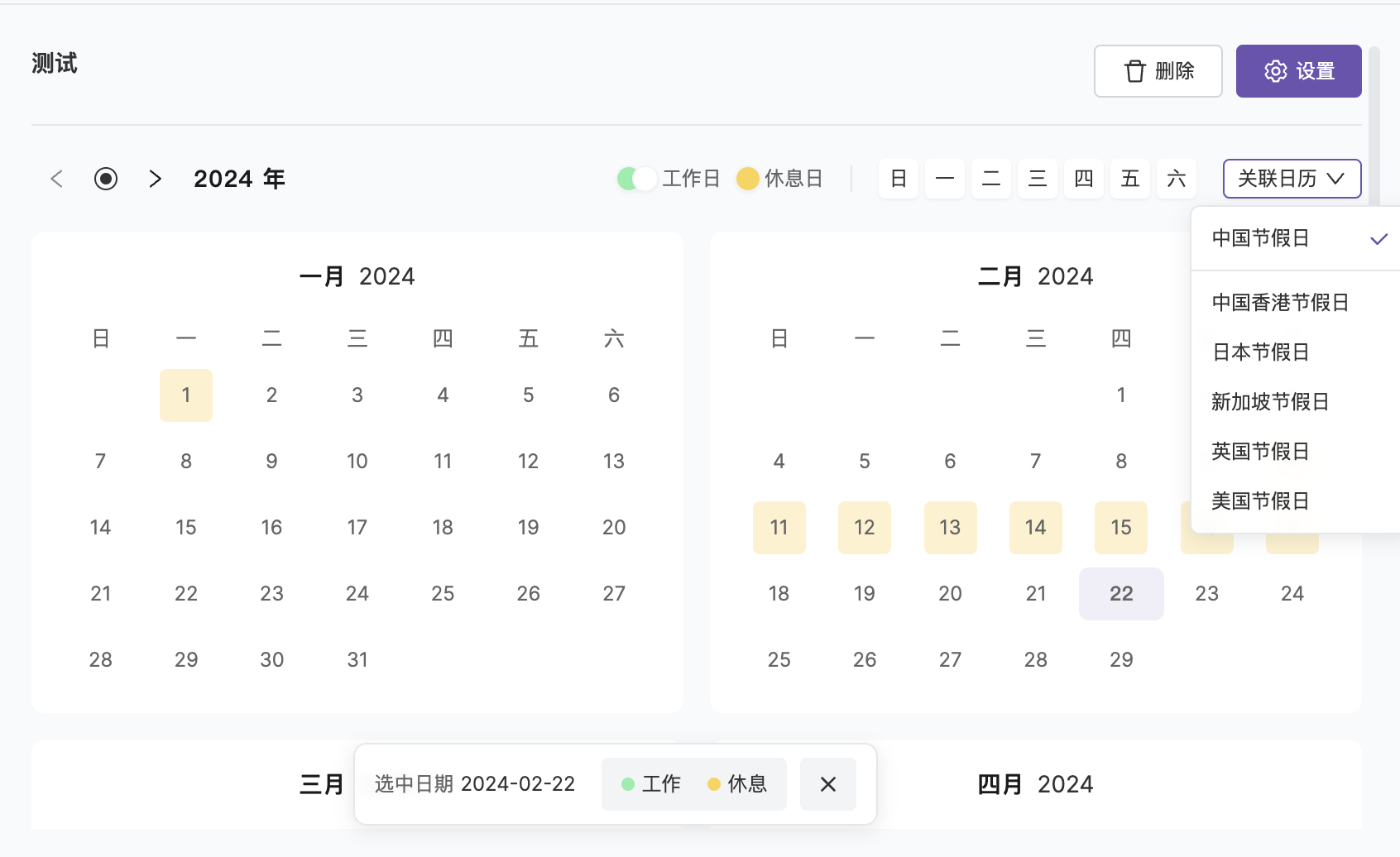
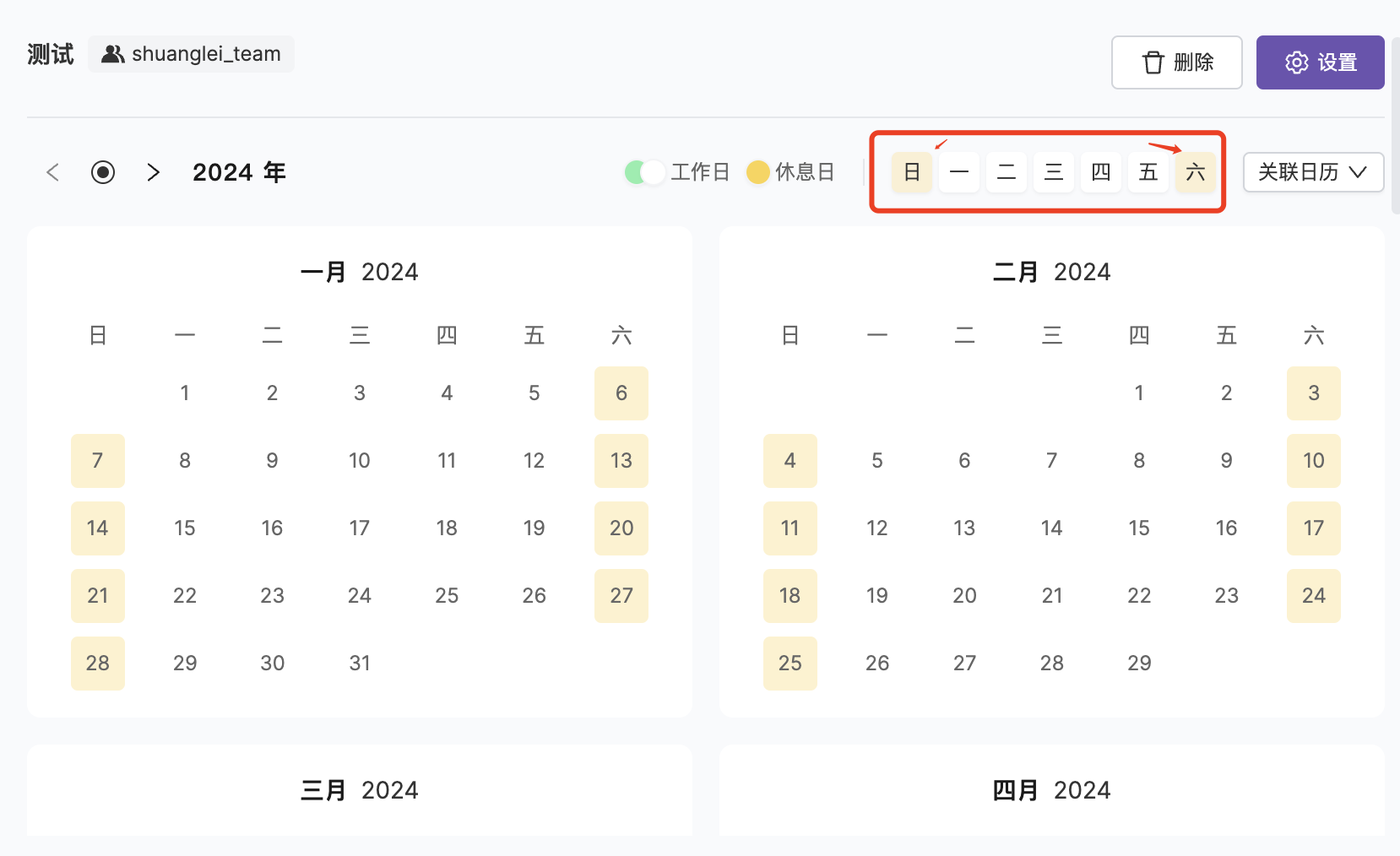
Go to Incident Management → Service Calendar → New Calendar.
Editing a Calendar
FAQ
What's the difference between a service calendar and a schedule?
What's the difference between a service calendar and a schedule?
They serve different purposes:
- Schedule: Defines “who handles it”, the recipient of incidents
- Service Calendar: Defines “when to handle it”, the time condition for escalation rules
Related Topics
Escalation Rules
Reference service calendars in escalation rules
Noise Reduction
Silence alerts by calendar type