Use Cases
The system uses templates when assigning incidents in the following scenarios:Configuring Templates
Create Custom Template
Edit Template Content
Save Template
Apply Template
Enter Escalation Rules
Select Template
Save Configuration
Variable Reference
Reference Examples
Incident Variables
Complete variable list for incident objects:Related Objects
Person - Personnel Info
Person - Personnel Info
Assignment - Assignment Configuration
Assignment - Assignment Configuration
Responder - Responder
Responder - Responder
Alert - Alert Details
Alert - Alert Details
FAQ
How do I know what Labels are available?
How do I know what Labels are available?
- Manually created incidents have no labels
- Auto-created incidents have labels, same as the first merged alert’s labels
Configured custom template but default template was used instead?
Configured custom template but default template was used instead?
Incident title has character escaping (like >)?
Incident title has character escaping (like >)?
toHtml function to handle:How to convert time format?
How to convert time format?
How to reference external variable inside for loop?
How to reference external variable inside for loop?
$ before external variable:How to extract field value with . (like obj.instance)?
How to extract field value with . (like obj.instance)?
index function:How to extract labels from associated alerts and deduplicate?
How to extract labels from associated alerts and deduplicate?
How to iterate and print Labels?
How to iterate and print Labels?
How to extract info from JSON field?
How to extract info from JSON field?
jsonGet function to extract values by path from valid JSON. Syntax reference at gjson.dev.How to get image URL?
How to get image URL?
How to use logical operations?
How to use logical operations?
How to find more functions?
How to find more functions?
- Function list: functions.go
- Usage examples: Check corresponding
_test.gofiles, e.g., date_test.go
Channel Templates
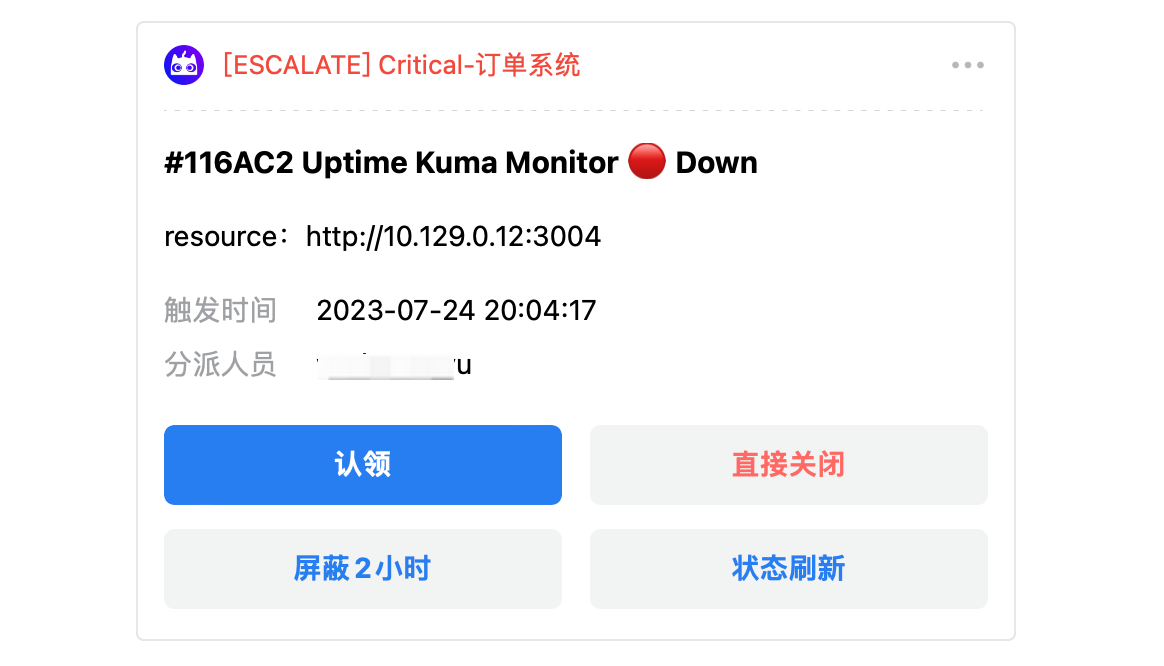
Different notification channels support different template formats and limitations.- Feishu/Lark App
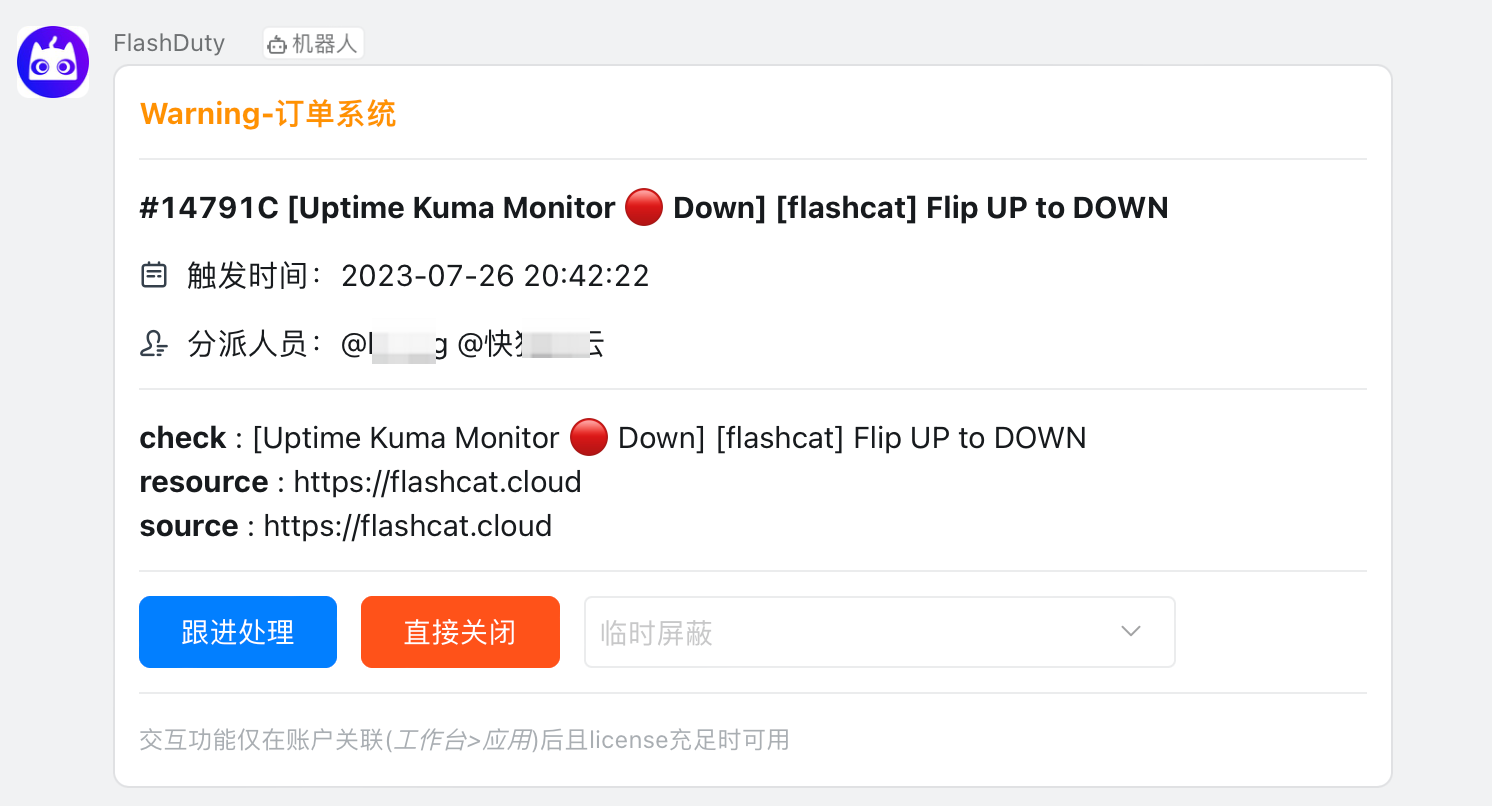
- Dingtalk App
- WeCom App
- Slack App
- Microsoft Teams
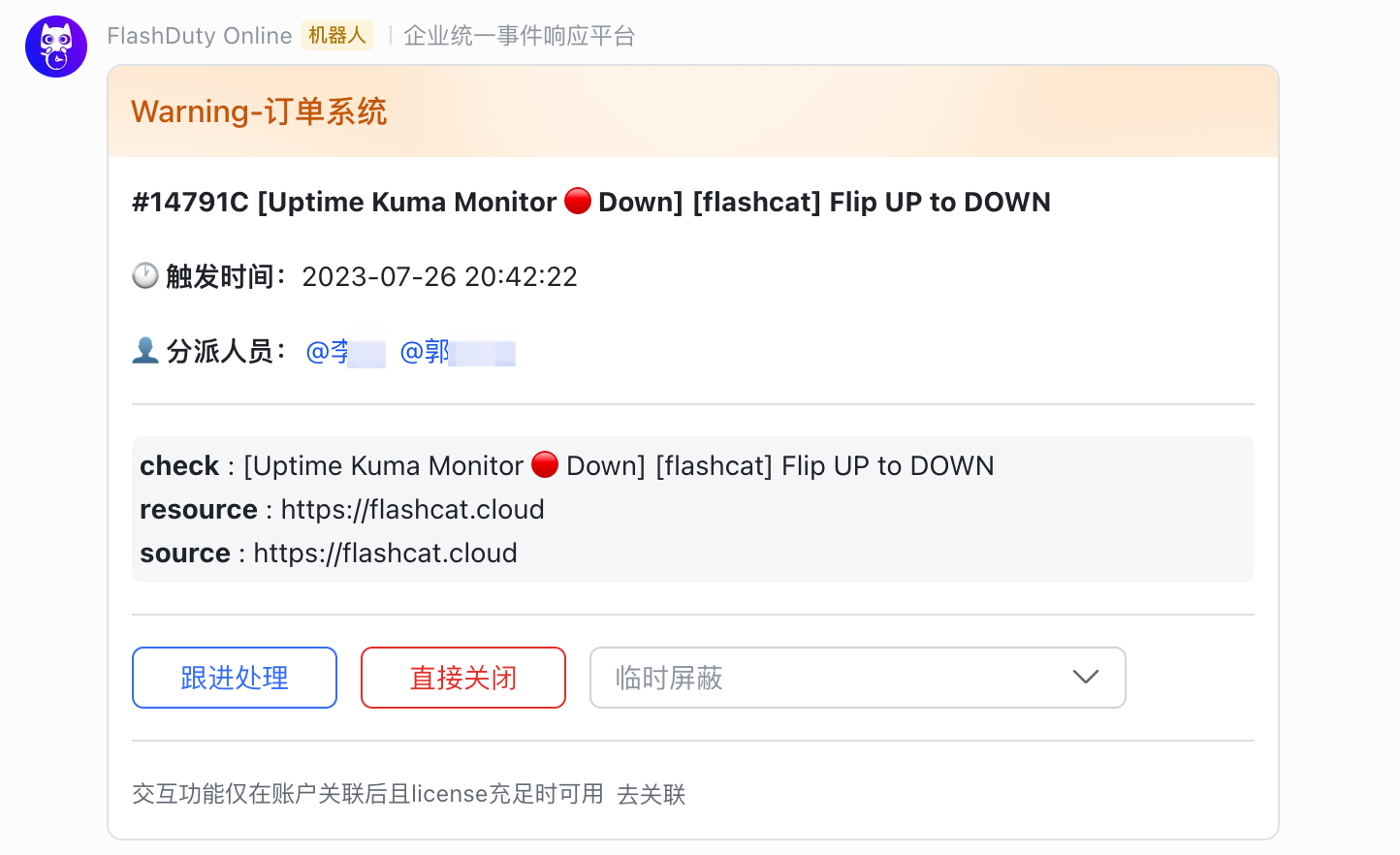
Feishu/Lark App Notification Effect
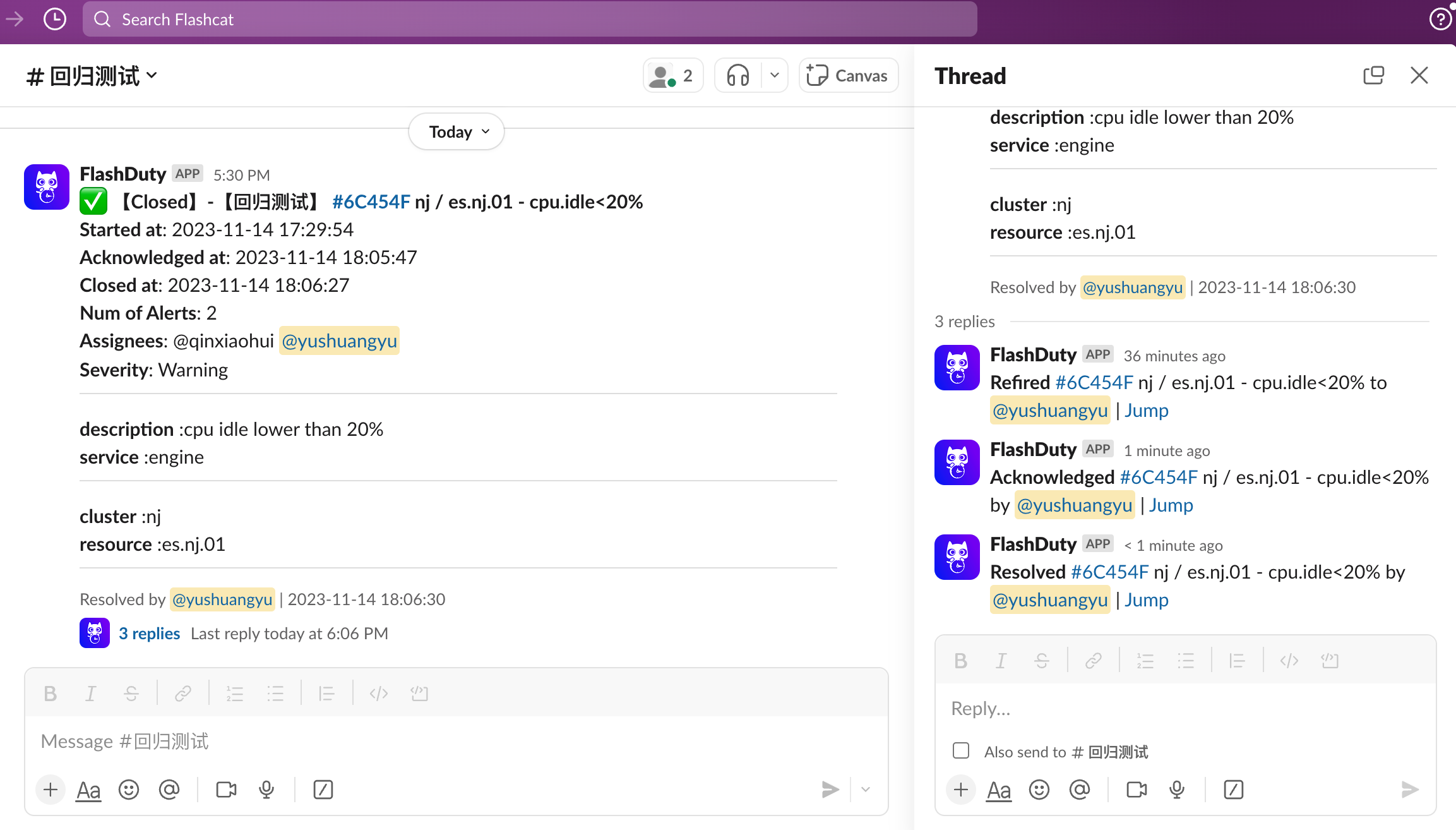
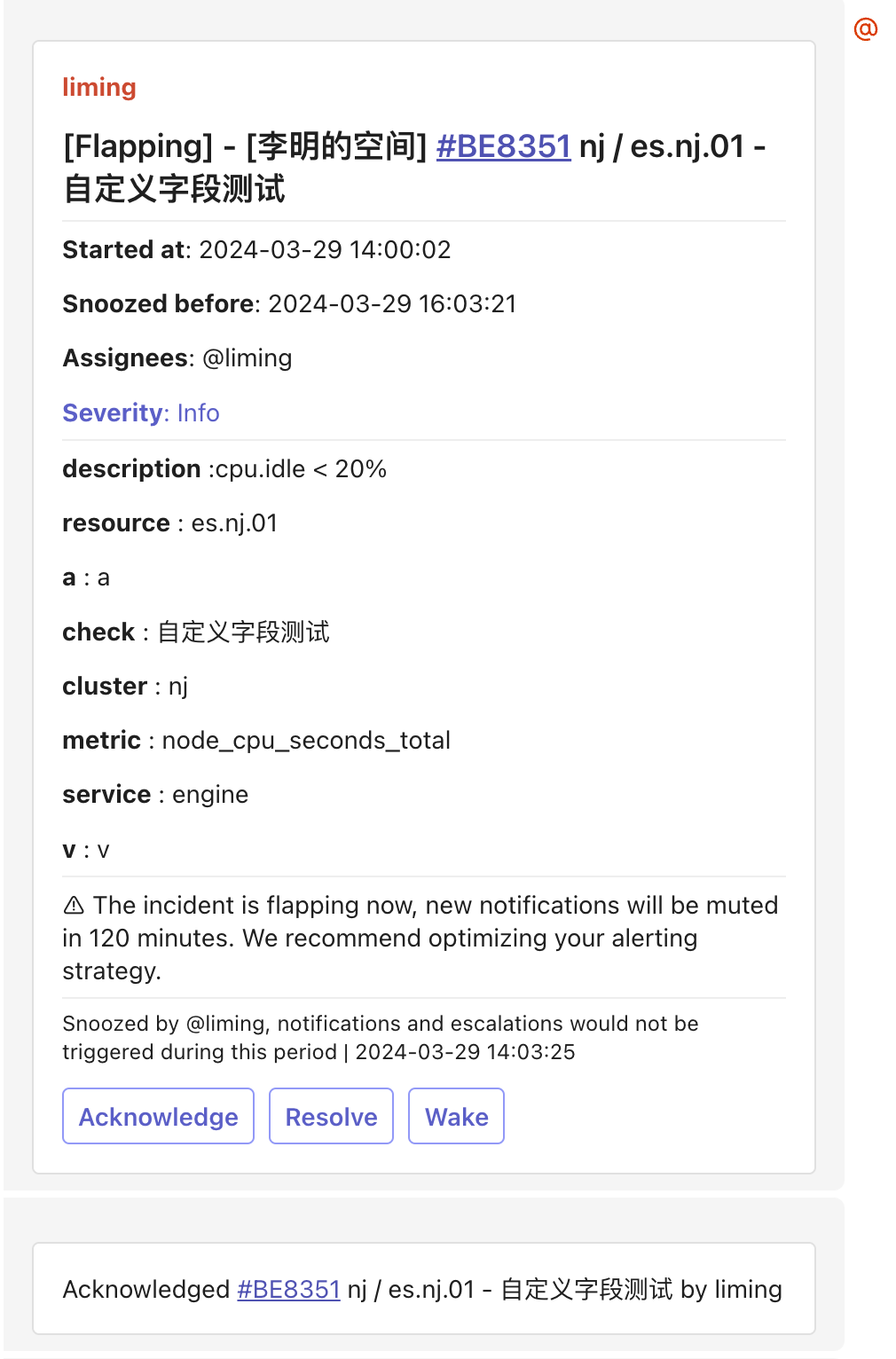
Bot Templates
Template formats supported by group chat bots.- Feishu/Lark Bot
- Dingtalk Bot
- WeCom Bot
- Slack Bot
- Telegram Bot
Message Card (msg_type: interactive)
Message Card (msg_type: interactive)
Rich Text (msg_type: post)
Rich Text (msg_type: post)
Plain Text
Plain Text
Other Channels
- SMS
- Voice
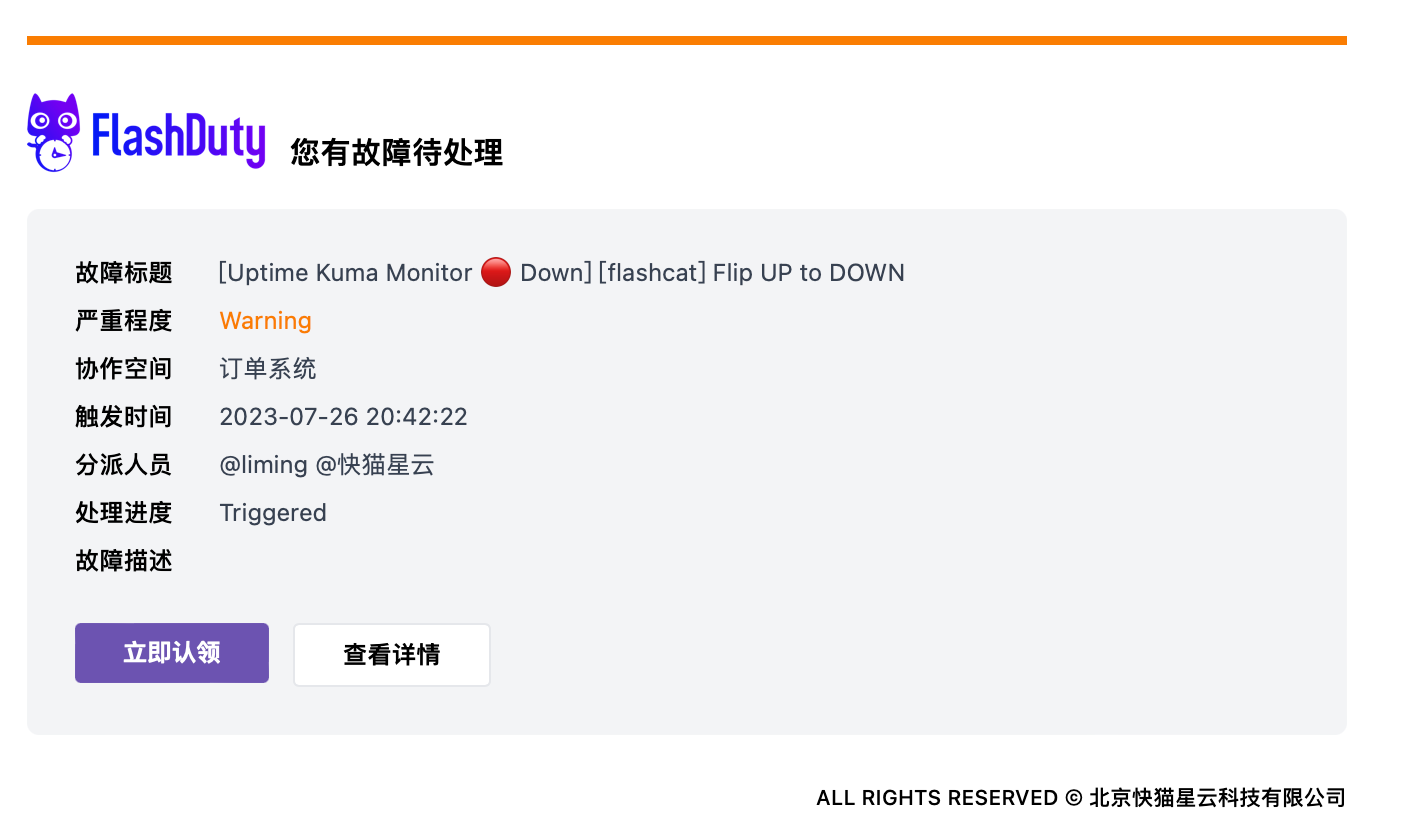
- Email